Three steps to your Linux desktop
You don't need to understand distributions, desktop environments, Termux, proot, X11, or VNC before you begin — the wizard explains each choice as it makes it. Compatibility is assessed honestly, not guaranteed.
Check your device
Identify your phone, Android version, hardware resources, display capabilities, and planned peripherals. “I don't know” is always a valid answer.
Choose your setup
Receive a transparent recommendation for a Linux distribution, desktop environment, display method, and required accessories — with the reasoning for every choice.
Follow the guide
Complete an app-by-app, command-by-command installation with checkpoints, optional scripts, troubleshooting, and rollback instructions.
What is Android Desktop Linux?
ADL is an open knowledge base for people who want to use Android devices as practical Linux desktop computers. It organizes installation methods, hardware requirements, desktop environments, compatibility results, troubleshooting, and technical explanations into one continuously maintained reference — without requiring you to adopt one specific distribution, desktop, manufacturer, or tool.
- Open documentation for desktop Linux on Android
- Reproducible, beginner-friendly installation guidance
- Linux education for Android users
- Hardware compatibility information
- Device and desktop-mode research
- Troubleshooting documentation
- Community testing and verification
- A long-term, vendor-neutral technical reference
- A Linux distribution
- A replacement Android operating system
- A desktop environment
- A commercial product
- A single installer or setup script
- A vendor-specific support site
- A replacement for Termux, Local Desktop, or Samsung DeX
Why ADL exists
Modern flagship Android phones have powerful processors, substantial memory, external-display output, Bluetooth peripheral support, and access to Linux userspace. But the knowledge to build a reliable Android desktop is fragmented across:
ADL exists to organize that information into one open, structured, maintainable, and beginner-friendly knowledge base — with an emphasis on practical documentation, reproducible procedures, official sources, tested compatibility, clear troubleshooting, and long-term maintainability.
Our mission
Help people get more value from the Android hardware they already own by making desktop Linux on Android understandable, reproducible, and practical.
Accessible to beginners
Every step is spelled out — no prior Linux or terminal experience assumed.
Accurate
Commands are verified against official sources before they are published.
Vendor-neutral
No single distribution, desktop environment, manufacturer, or tool is required.
Community-driven
Real reports from real hardware are welcomed, reviewed, and credited.
Transparently verified
Every compatibility claim carries a status; nothing is recorded above what was tested.
Maintained for the long term
Documentation is kept current as the Android desktop ecosystem changes.
One reference, many topics
Everything you need to plan, build, understand, and troubleshoot a desktop Linux setup on Android — organized so you can start anywhere.
Getting Started
Beginner-friendly paths from an Android phone to a working desktop.
Installation Guides
Documented installation methods using supported tools and Linux distributions.
Learning Linux
Plain-language explanations of Termux, proot, distributions, desktops, package managers, filesystems, and commands.
Hardware Guidance
Phones, docks, displays, input devices, storage, cables, and workstation setups.
Compatibility Database
Structured device, Android-version, desktop-mode, Linux, desktop-environment, and peripheral compatibility.
Desktop Environments
Guidance comparing XFCE, LXQt, KDE Plasma, GNOME, MATE, Cinnamon, and more.
Applications
Browsers, development tools, office apps, terminals, file management, and media tools.
Troubleshooting
Systematic help for installation, display, permissions, package, performance, audio, and input problems.
Reference Library
Commands, configuration files, scripts, glossary terms, architecture diagrams, and official sources.
Community Knowledge
Community testing, verified configurations, compatibility reports, and contributor workflows.
Many methods, one reference
ADL documents multiple approaches rather than promoting a single one. Not every method is complete, tested, or equally recommended — where supported, each carries a status so you know how much to trust it.
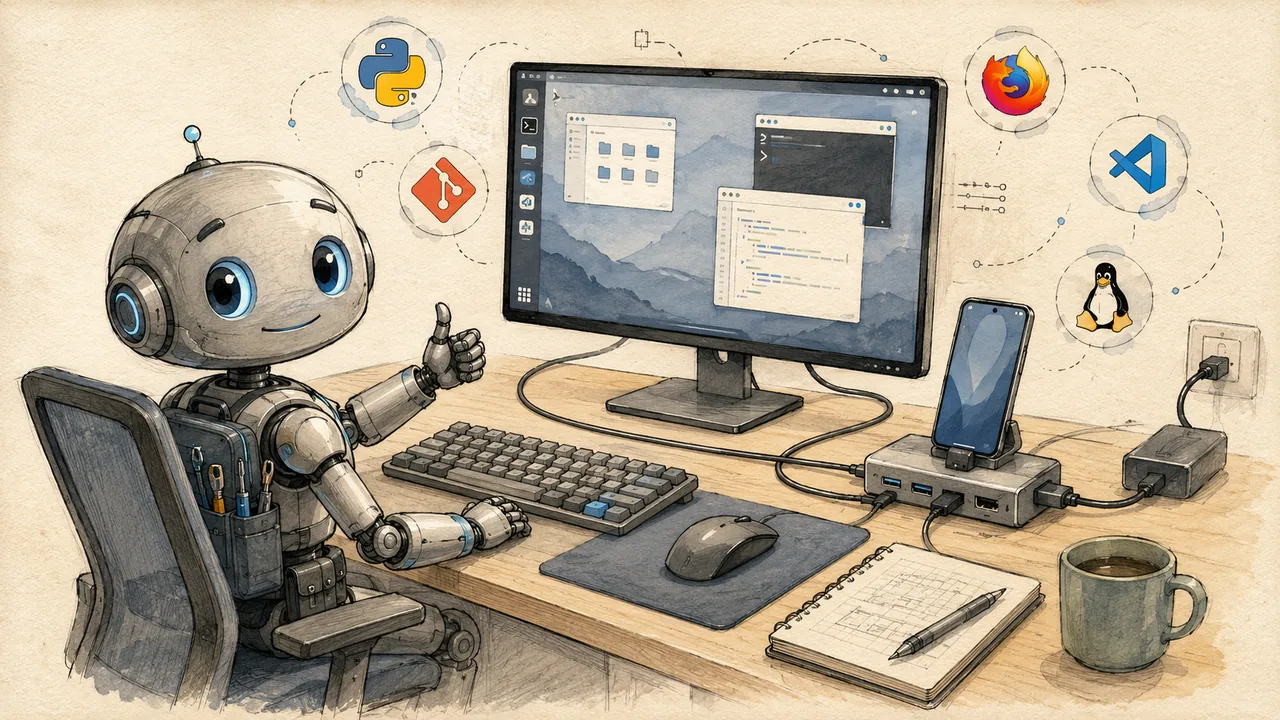
One phone, one hub, a whole desk
A USB-C hub connects your phone to a monitor, keyboard, mouse, and power — everything you need for a workstation. ADL documents the hardware classes that work.
Built in the open
ADL is developed publicly on GitHub. Public access does not mean unrestricted direct editing — contributions go through issues and pull requests, and maintainers review every change before it is published, so the reference stays accurate and vendor-neutral.
The documentation is open source and version controlled.
Compatibility data is structured and published openly.
Improvements happen in public, in the open repository.
Anyone can report an error or propose a change.
Maintainers review every change before it is published.
The project stays vendor-neutral and freely accessible.
Documentation roadmap
We are building comprehensive documentation for every aspect of desktop Linux on Android. Here is what is planned.
Core Documentation
- Installation guides for all devices
- Desktop environment setup
- Package management basics
- Troubleshooting guides
Advanced Guides
- More distributions and desktops
- Development environment setup
- Performance tuning
- Hardware acceleration research
Applications & Workflows
- Application compatibility database
- Workflow automation
- Media and creative tools
- Server and networking
Community & Growth
- Broader device compatibility
- Verified configurations
- Community showcase
- Localization support
Join the community
ADL is built in the open, by the community, for the community. Get help, share your setup, or contribute to the knowledge base.
Support ADL
ADL is free and open-source — donations are optional. Sponsor the project or buy the maintainer a coffee.
GitHub Discussions
Ask questions, share tips, and connect with other ADL users.
Report Issues
Found a bug or a gap in the docs? Open an issue on GitHub to help us improve.
Contribute
Improve the documentation, submit fixes, or report a tested configuration.
Ready to see what your phone can do?
Answer a few questions, check your device, and receive a tailored installation path.
Get Started →