Quick Start Overview
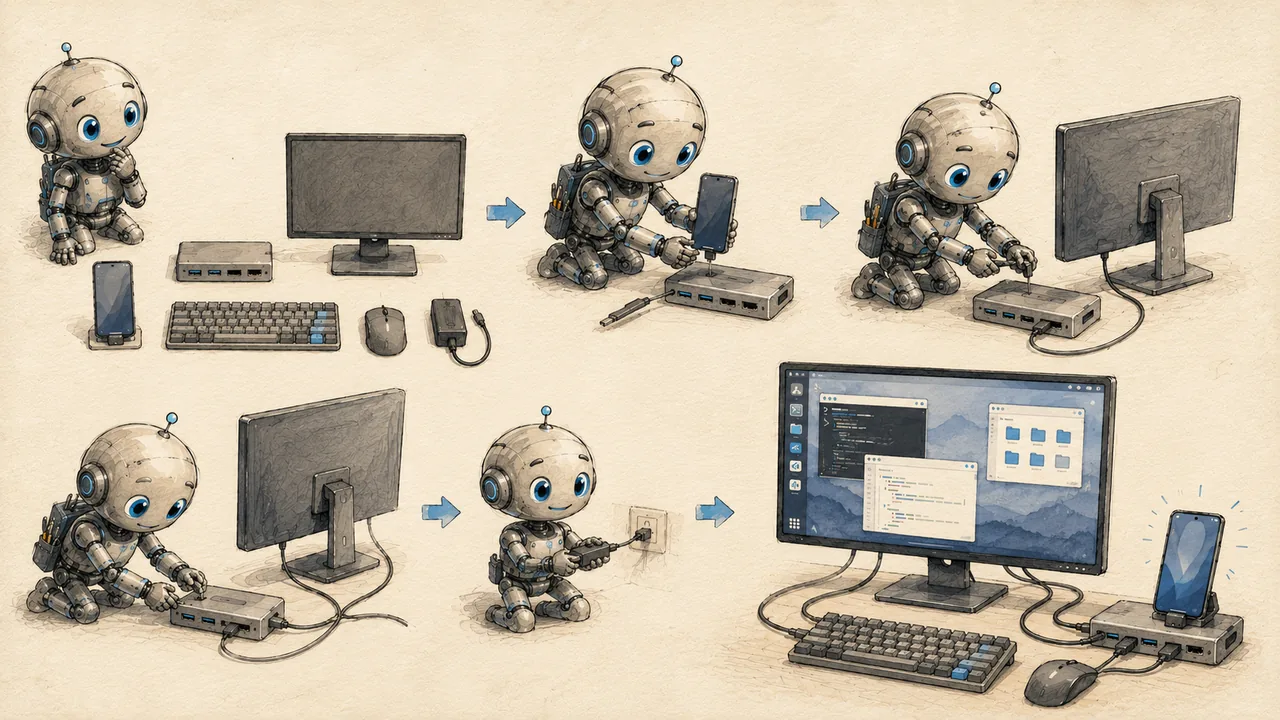
This guide walks you through setting up a complete Linux desktop environment on your Android device. No root required. No special hardware. Just your phone or tablet and a Wi-Fi connection.
By the end, you'll have a fully functional XFCE desktop running inside Ubuntu on your Android device --- complete with a file manager, terminal, and access to thousands of Linux packages.
What You Need
- Difficulty
- Beginner
- Time
- 30-45 minutes
- Android phone or tablet (Android 7+)
- Approximately 4GB of free storage
- Wi-Fi connection (for downloading packages)
- Termux from F-Droid (installed in step 1)
That's it. No PC required. No unlocked bootloader. No root access.
Your Progress
Track where you are as you work through the guide:
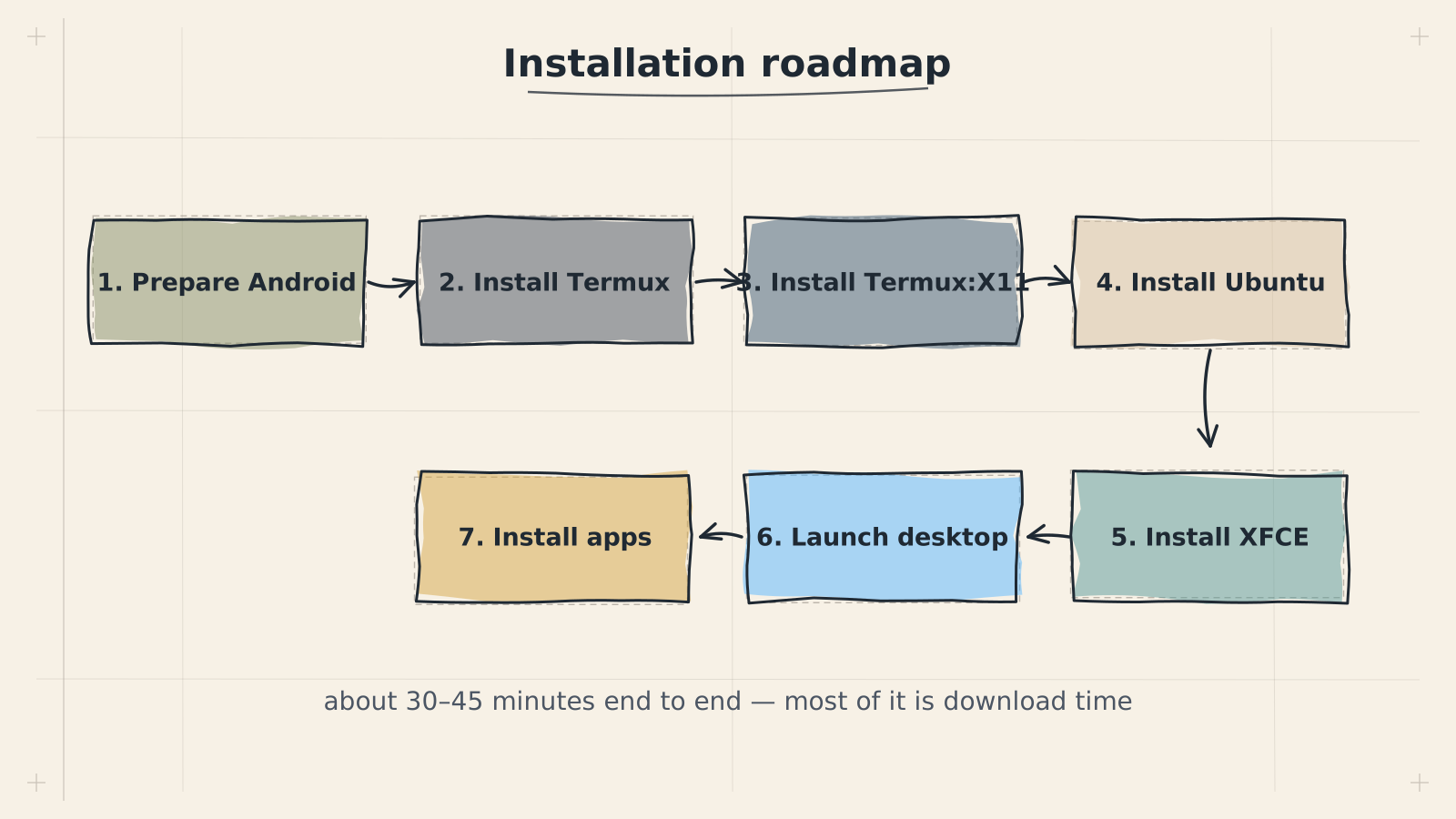
The entire process takes 30-45 minutes, most of which is waiting for packages to download and install.
Choose Your Path
What You'll Build
The end result is a real Linux desktop running directly on your Android device:
- File manager (Thunar) for browsing and managing files
- Terminal emulator for running commands and scripts
- Web browser capability through installable browsers like Firefox
- Full package management via
apt--- install development tools, editors, servers, and thousands of other Linux packages - Shared storage between Android and your Linux environment
This is not a remote connection or a stripped-down shell. It is a genuine Ubuntu installation with a graphical desktop, running locally on your device's hardware.
Quick Start vs. Learn Track
This Quick Start track is procedural: do this, then this, then this. Each page gives you exactly the commands to run and what to expect. Follow the steps and you'll have a working desktop.
The Learn track explains the why behind each step. If you want to understand what Termux actually is, how proot containers work, or why we use XFCE over other desktop environments, the Learn pages go deeper:
- What is Termux? --- how a TermuxA terminal emulator app that provides a real Linux environment on Android — no root needed. Glossary → terminal becomes a full Linux environment
- What is proot? --- running Ubuntu without root access via prootA userspace tool that lets a full Linux distribution run inside Android without root access. Glossary →
- Desktop Environments --- why XFCE and what the alternatives are
You don't need to read the Learn pages to get up and running. They're there when you're curious or when something goes wrong and you want to understand what's happening under the hood.
Ready?
Head to the next page to install Termux and get started.