What is proot?
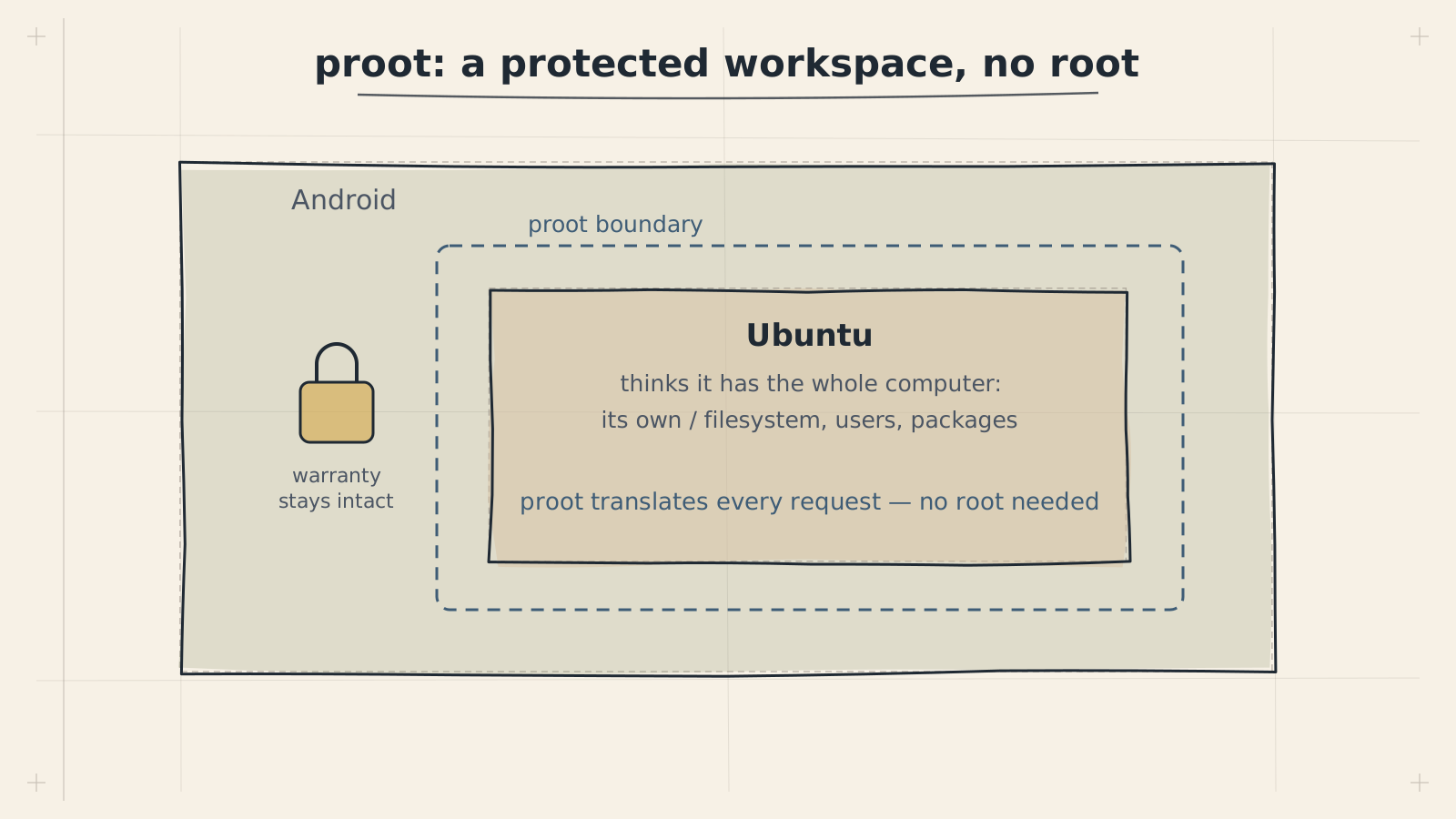
proot is a program that lets you run a complete Linux distribution on your Android phone without needing root (administrator) access. It works by intercepting system calls and translating them so that programs believe they are running on a real Linux computer.
In the ADL stack, proot is the layer that makes it possible to run Ubuntu and a full desktop environment inside Termux.
Understanding Containers First
Before explaining proot, let us talk about containers, because proot creates something similar.
Think of an apartment building:
- The building is your Android phone
- The building's foundation and structure is the Linux kernel
- Each apartment is a separate environment with its own furniture, decoration, and layout
- Residents (programs) in each apartment think they have a complete home
A container works the same way. It creates an isolated environment where programs run with their own files, settings, and tools — but they all share the same underlying system (the kernel).
What proot Actually Does
proot performs a clever trick called filesystem translation. Here is what happens:
- A Linux program asks: "Where is
/usr/bin/python?" - proot intercepts this request
- proot translates it to the real location:
/data/data/com.termux/files/home/ubuntu-fs/usr/bin/python - The program gets the file it asked for and never knows the difference
This means programs think they are running on a normal Linux system with the standard directory structure (/usr, /etc, /home, etc.), when in reality all their files are tucked away inside Termux's storage.
Key Translations proot Performs
| What the program sees | What actually exists |
|---|---|
/ (root filesystem) | ~/ubuntu-fs/ inside Termux |
/home/user | ~/ubuntu-fs/home/user |
/usr/bin/... | ~/ubuntu-fs/usr/bin/... |
/etc/... | ~/ubuntu-fs/etc/... |
| User ID 0 (root) | Termux's regular user ID |
Why No Root is Needed
On a traditional Linux system, installing and running a complete distribution requires root access (administrator privileges). Root lets you:
- Mount filesystems
- Change system files
- Create users
- Access hardware directly
Android phones do not give you root access by default (for good security reasons). proot solves this by faking root. When a program checks "am I root?", proot says "yes" — even though you are actually running as a regular user. This is safe because:
- proot cannot actually modify Android's system files
- All changes happen inside proot's contained environment
- Android's security sandbox remains intact
- Your phone's system is never touched
proot's "fake root" is not a security risk. It only affects programs running inside the proot environment. It cannot grant real root access to Android or bypass any security protections. Think of it as playing pretend — the programs believe they are root, but they have no actual elevated privileges.
proot-distro: The Easy Way
While you could set up proot manually, the proot-distro tool makes it simple. proot-distro is a Termux package that automates downloading, installing, and managing Linux distributions.
What proot-distro Handles For You
| Task | Without proot-distro | With proot-distro |
|---|---|---|
| Download a distribution | Find the right rootfs manually | proot-distro install ubuntu |
| Set up the filesystem | Extract and configure by hand | Automatic |
| Configure networking | Manual DNS and host setup | Automatic |
| Launch the environment | Long proot command with many flags | proot-distro login ubuntu |
| Manage multiple distros | Complex manual organization | Built-in support |
| Back up an environment | Manual tar commands | proot-distro backup ubuntu |
| Remove a distribution | Manual cleanup | proot-distro remove ubuntu |
Common proot-distro Commands
| Command | What it does |
|---|---|
proot-distro list | Shows available distributions |
proot-distro install ubuntu | Installs Ubuntu |
proot-distro login ubuntu | Enters the Ubuntu environment |
proot-distro login ubuntu -- <cmd> | Runs a single command in Ubuntu |
proot-distro backup ubuntu | Creates a backup archive |
proot-distro restore ubuntu | Restores from a backup |
proot-distro remove ubuntu | Removes the distribution |
proot-distro reset ubuntu | Resets to a fresh install |
Back up your proot-distro environment regularly using proot-distro backup ubuntu. This creates a compressed archive of your entire Ubuntu installation that you can restore if anything goes wrong. Store backups on your phone's shared storage or an SD card.
Performance
proot does add some overhead because it intercepts and translates system calls. Here is what to expect:
What Runs Well
- Web browsing
- Text editing and office applications
- Programming (writing and editing code)
- File management
- Media playback (using hardware-accelerated Android decoders)
- Terminal-based applications
What Runs Slower
- I/O-heavy operations — file copying, package installation, and database operations are slower because every file access goes through proot's translation layer
- Compilation — building large software projects takes longer due to the overhead on thousands of small file operations
- Disk-intensive applications — anything that reads or writes many files frequently
Typical Performance Impact
| Operation | Native Speed | With proot | Slowdown |
|---|---|---|---|
| CPU computation | 100% | ~95-100% | Minimal |
| Memory access | 100% | ~100% | None |
| File read/write | 100% | ~50-70% | Noticeable |
| Package installation | 100% | ~40-60% | Significant |
| Application launch | 100% | ~60-80% | Moderate |
CPU-intensive tasks (calculations, rendering, encoding) run at near-native speed because proot only intercepts system calls, not actual computation. If your workload is primarily CPU-bound, you will not notice much difference.
The Full ADL Stack
Here is how proot fits into the complete ADL architecture:
Alternatives to proot
proot is not the only way to run Linux on Android. Here are the alternatives and why ADL chose proot:
chroot
chroot (change root) does a similar job to proot but works at the kernel level. It is faster because there is no system call interception.
- Advantage: Better performance, especially for I/O
- Disadvantage: Requires root access, which means unlocking your bootloader and potentially voiding your warranty
- Best for: Users who have already rooted their phone
Full Virtual Machine
A virtual machine (VM) emulates an entire computer, including a virtual CPU.
- Advantage: Complete isolation, can run any operating system
- Disadvantage: Very slow on mobile devices, high memory usage, poor battery life
- Best for: Users who need to run x86 Linux on an ARM phone (rare)
Dual Boot
Some Android phones can be configured to dual-boot Android and Linux.
- Advantage: Native performance, full hardware access
- Disadvantage: Risky (can brick your device), requires unlocked bootloader, limited device support
- Best for: Advanced users with supported devices and a tolerance for risk
Direct Install (replacing Android)
Some projects let you replace Android entirely with Linux.
- Advantage: Full native Linux experience
- Disadvantage: Lose Android entirely, very limited device support, most phone features stop working
- Best for: Dedicated Linux phone enthusiasts
Do not confuse proot with rooting your phone. proot is a user-space tool that fakes root access inside a container. Rooting means actually gaining superuser access to your phone's entire system. proot is safe and reversible; rooting can void your warranty and create security risks.
Frequently Asked Questions
Summary
proot is the technology that lets you run a complete Linux distribution on your Android phone without root access. It works by intercepting system calls and translating file paths, creating an isolated environment where programs believe they are running on a normal Linux system. Combined with proot-distro for easy management, it provides a practical and safe way to run Ubuntu and a full desktop on your phone.
Next: Learn about Ubuntu, the Linux distribution that ADL uses.