Performance Overview
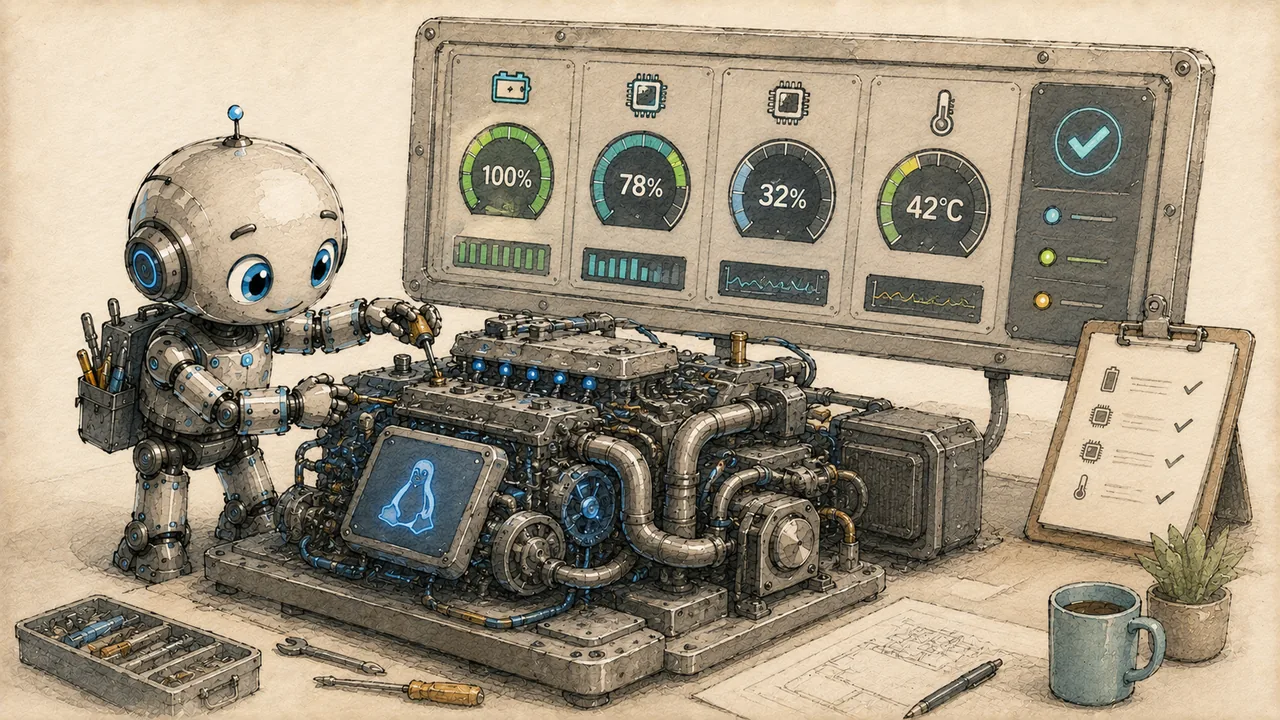
Running a full Linux desktop on an Android device is genuinely impressive, but it comes with trade-offs. Understanding where those trade-offs lie helps you set realistic expectations and focus your optimization efforts where they actually matter.
This page explains the factors that affect ADL performance, what you can expect from different device classes, and how ADL compares to running Linux on native hardware.
What Affects Performance
Four factors determine how ADL performs on your device. Each one contributes differently depending on what you are doing.
Proot Overhead
Proot is the layer that makes running Ubuntu inside Termux possible without root access. It works by intercepting system calls --- every time a program asks the operating system to do something (open a file, allocate memory, check permissions), proot translates that request. This translation adds overhead to every operation.
Proot's syscall translation typically adds 10-30% overhead for most workloads. File-intensive operations (compiling code, searching large directories, package installation) feel this overhead most. CPU-bound tasks that make fewer system calls (video encoding, number crunching) are less affected.
The overhead is not constant. Simple tasks like editing text or browsing files feel snappy because relatively few system calls are involved. Compiling a large project feels noticeably slower because the compiler makes thousands of file system calls per second.
RAM Constraints
Mobile devices typically have 4-12 GB of RAM, shared between Android, its background services, and your Linux environment. Android itself consumes 2-4 GB before you even open Termux. This leaves your Linux desktop with significantly less memory than a typical laptop would have.
Android aggressively manages memory. If your Linux environment uses too much RAM, Android may kill Termux in the background to reclaim memory for foreground apps. This terminates your entire Linux session without warning.
On a device with 6 GB of total RAM, expect roughly 2-3 GB to be available for your Linux desktop, applications, and any background processes. An 8 GB device gives you more breathing room at around 3-5 GB available.
Storage Speed
Internal storage on modern phones uses UFS 3.0 or 4.0, which delivers read speeds comparable to SATA SSDs. This is fast enough for most tasks. SD cards are a different story --- even high-quality A2-rated cards deliver a fraction of internal storage speed, and random read/write performance (the kind that matters most for operating systems) is significantly worse.
Running ADL from internal storage is strongly recommended. SD card installations can feel 2-5x slower for operations that involve many small file reads and writes, such as package installation, application startup, and file indexing.
CPU Architecture
Your phone's ARM processor runs ARM Linux binaries natively. There is no CPU emulation involved --- when you run gcc or python3 inside ADL, those programs execute directly on your hardware at full speed. The ARM architecture itself is not a bottleneck.
What does matter is that mobile CPUs are designed for power efficiency rather than sustained performance. They have fewer high-performance cores than a laptop or desktop processor, and they throttle aggressively under sustained load to manage heat. A task that keeps all cores busy for more than 30-60 seconds will likely trigger thermal throttling, reducing clock speeds and slowing down your work.
Realistic Expectations
What Runs Well
Most everyday Linux desktop tasks perform perfectly well on ADL:
- Text editing --- Vim, Nano, Geany, Mousepad, and similar lightweight editors are responsive and fast. Even VS Code (via code-server) runs adequately on devices with 6+ GB RAM.
- Terminal work --- Shell commands, scripting, file management, SSH connections, and similar terminal tasks feel native.
- Web browsing --- Firefox and Chromium work, though they are the most RAM-hungry applications you will run. Keep tab counts low.
- Document editing --- LibreOffice runs well for standard documents. Large spreadsheets with heavy formulas may lag.
- Light development --- Python scripting, web development with lightweight frameworks, Git operations, and similar workflows are productive.
- File management --- Thunar and other file managers are responsive for browsing and organizing files.
What Struggles
Some workloads push against the limits of what ADL can comfortably handle:
- Large compilation jobs --- Compiling the Linux kernel or large C++ projects is slow, both from proot overhead and thermal throttling during sustained CPU use.
- Heavy IDEs --- Full IntelliJ IDEA or Eclipse installations demand more RAM than most phones can provide.
- Multiple browsers or many tabs --- Each browser tab consumes 50-150 MB of RAM. Ten tabs in Firefox can consume over a gigabyte.
- Desktop effects and compositing --- Window animations, transparency, and desktop effects consume GPU resources and add latency. Disable them.
- Database servers under load --- PostgreSQL or MySQL will run, but do not expect to handle concurrent queries on large datasets.
- Docker and containers --- Docker requires kernel features not available through proot. Use native package installation instead.
If your primary use case is development, consider using ADL as a thin client that connects to a remote development server via SSH. This gives you a local terminal and editor while offloading heavy computation to real hardware.
Performance Comparison to Native Linux
The following rough percentages compare ADL to running the same distribution on a mid-range Linux laptop (Intel i5, 16 GB RAM, NVMe SSD). These are approximate and vary by device and workload.
| Workload | ADL Performance vs. Laptop |
|---|---|
| Terminal commands (ls, grep, find) | 50-70% |
| Text editing | 80-90% |
| Python script execution | 60-75% |
| C/C++ compilation | 20-40% |
| Web browsing (few tabs) | 50-70% |
| File manager browsing | 70-85% |
| Package installation (apt) | 30-50% |
| Git operations (small repos) | 60-75% |
| Git operations (large repos) | 30-50% |
These percentages reflect the combined impact of proot overhead, mobile CPU constraints, and limited RAM. Individual results vary significantly depending on your device's specifications. Flagship phones with 12+ GB RAM and recent Snapdragon processors will land toward the higher end of each range.
The numbers may look discouraging on paper, but context matters. A task that takes 0.5 seconds on a laptop and 1 second on ADL is still fast enough to feel interactive. The comparison matters most for sustained workloads like compilation, where a 10-minute job becoming a 30-minute job changes how you work.
Device Class Expectations
Budget Devices (4 GB RAM, older SoC)
Functional but constrained. Stick to lightweight applications, use a minimal window manager instead of a full desktop environment, and avoid running a web browser alongside other applications. Terminal-focused workflows work best on these devices.
Mid-Range Devices (6-8 GB RAM, recent mid-tier SoC)
The sweet spot for ADL. XFCE runs comfortably with a few applications open. Web browsing with 3-5 tabs is fine. Light development workflows are productive. This is where most users land.
Flagship Devices (12+ GB RAM, high-end SoC)
The best ADL experience. Run XFCE with multiple applications, a browser with several tabs, and a development server simultaneously. Samsung DeX users with flagship devices can build a genuinely productive desktop workflow.
Next Steps
Now that you understand what affects ADL performance, the following pages cover concrete steps to get the most out of your setup:
- Optimization Guide --- specific tuning steps to reduce overhead and improve responsiveness
- Battery Management --- extending battery life while running ADL
- Storage Management --- keeping your installation lean and managing disk space